

Use EPS when a receiving application or print provider specifically requests Encapsulated PostScript. The file is usually opened or placed in design software, so a successful download is the start of your compatibility check.
Upload the artwork
Open SVG to EPS. Select Choose SVG file, drop one SVG into the upload area, or choose Use sample SVG. The input limit is 5 MB.
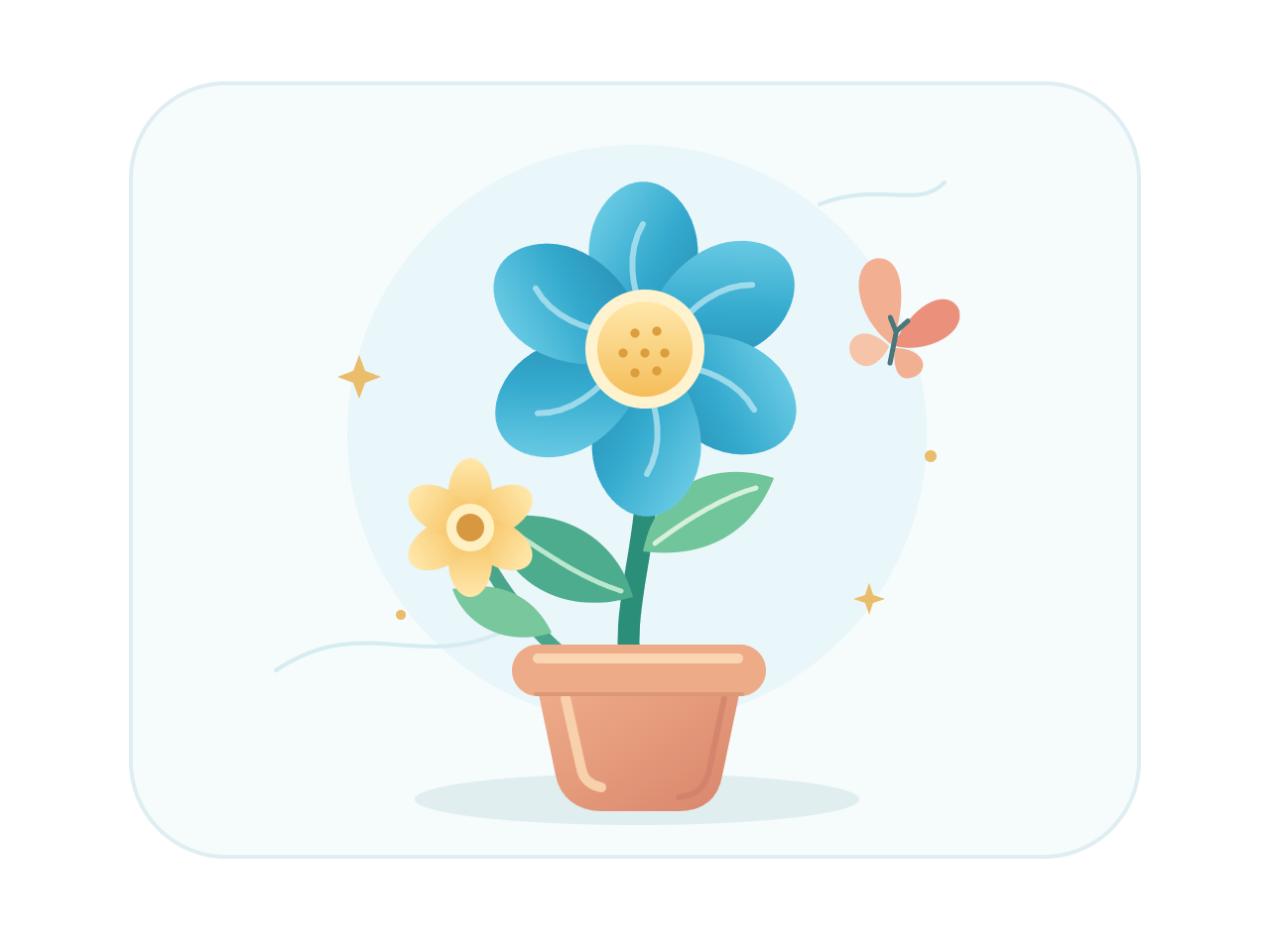
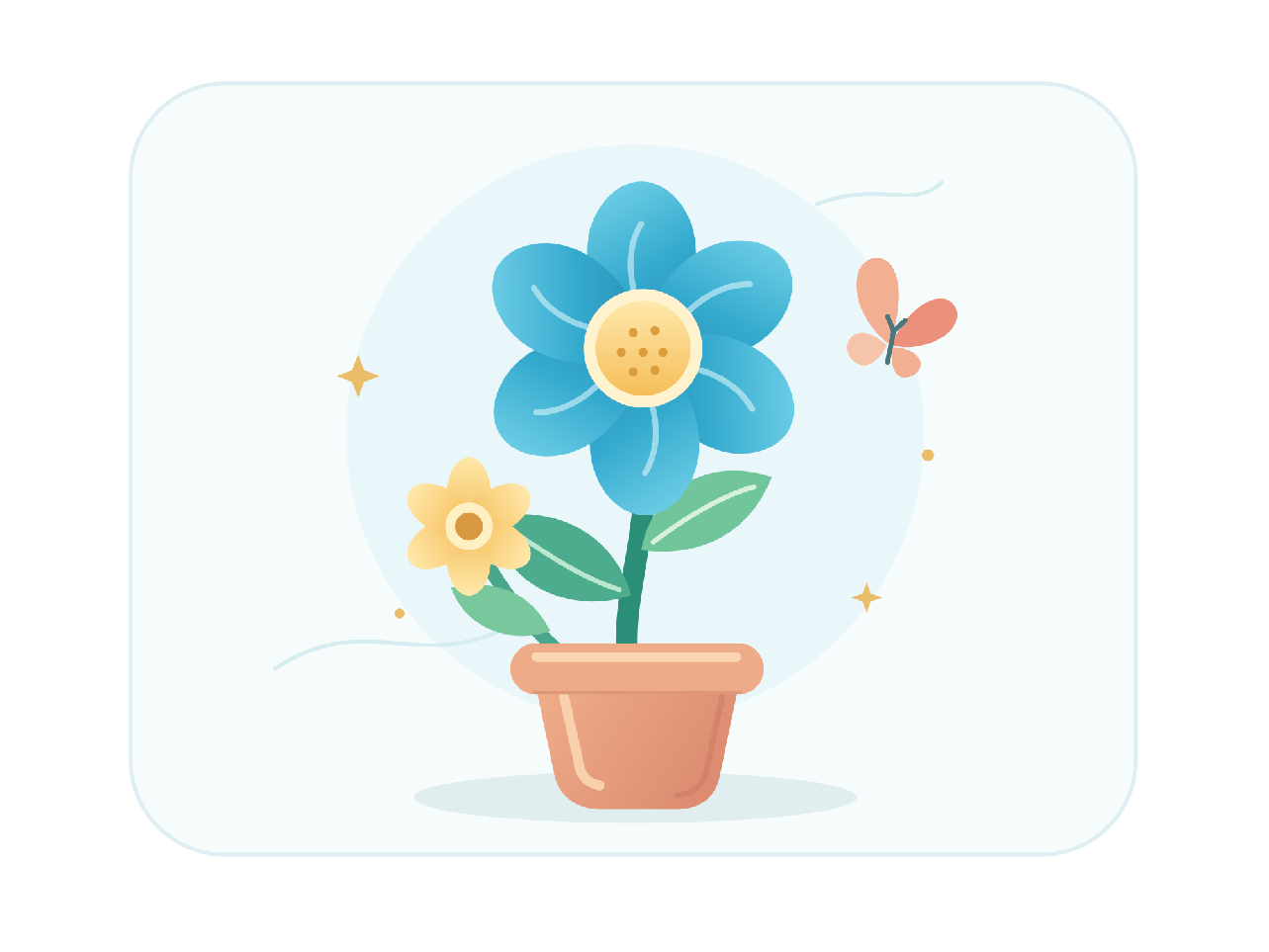
For this guide we use creative.svg, a simple flower made from shapes and paths on a 640 by 480 px canvas. Its uncomplicated artwork makes the output easy to inspect.
Check compatibility
Check your source in the editor. There are no pixel-width, color-profile, or EPS compatibility settings here. Prepare the required artwork and canvas in your SVG editor before uploading.
Create the EPS
Select Convert to EPS. The server processes the source and opens the result screen. Select Download EPS to save creative.eps.
Our downloaded example is 180,522 bytes and has an EPS file header. The before/after comparison uses a render of this actual file, not the source SVG relabeled as EPS.
Inspect the placed file
Open or place the EPS in your intended application. Our sample's EPS declares a bounding box from 0, 0 to 481, 361 pt, a span of 481 by 361 pt. These declared bounds include the full artwork and extend slightly beyond the source's nominal 480 by 360 pt page.
The comparison renders the EPS using its declared bounding box. A receiving application may use this box for placement. Check the imported scale and surrounding space instead of assuming that every application will interpret the page in the same way.
Use Convert another SVG for another file. Back to edit returns to the current source; refreshing either working page starts a new conversion.
Common questions
How does the EPS bounding box affect placement?
An EPS includes a bounding box used by many applications for placement. In this verified sample, its bounds cover the full artwork with a small rounding margin. Inspect the imported dimensions and surrounding space in your destination application.
Will every shape remain editable?
Do not assume the EPS will reproduce the original SVG editor structure. Supported paths can remain vector content, but effects, text handling, and editability depend on the renderer and receiving software.
Can I choose CMYK or a print profile?
This converter has no color-profile or CMYK controls. Ask the print provider for its requirements and prepare or inspect the file in suitable production software.
Why does my browser download EPS instead of showing it?
Browsers may not display EPS files. Open or place the result in an application with EPS support; the editor preview is only the source SVG.
Your SVG is sent to our server when you convert. Download access expires after one hour; expired server results are cleaned up during later conversions. Read about file privacy.
Create an EPS, then check it where it will be used.
Start with the sample, or bring your own SVG.


